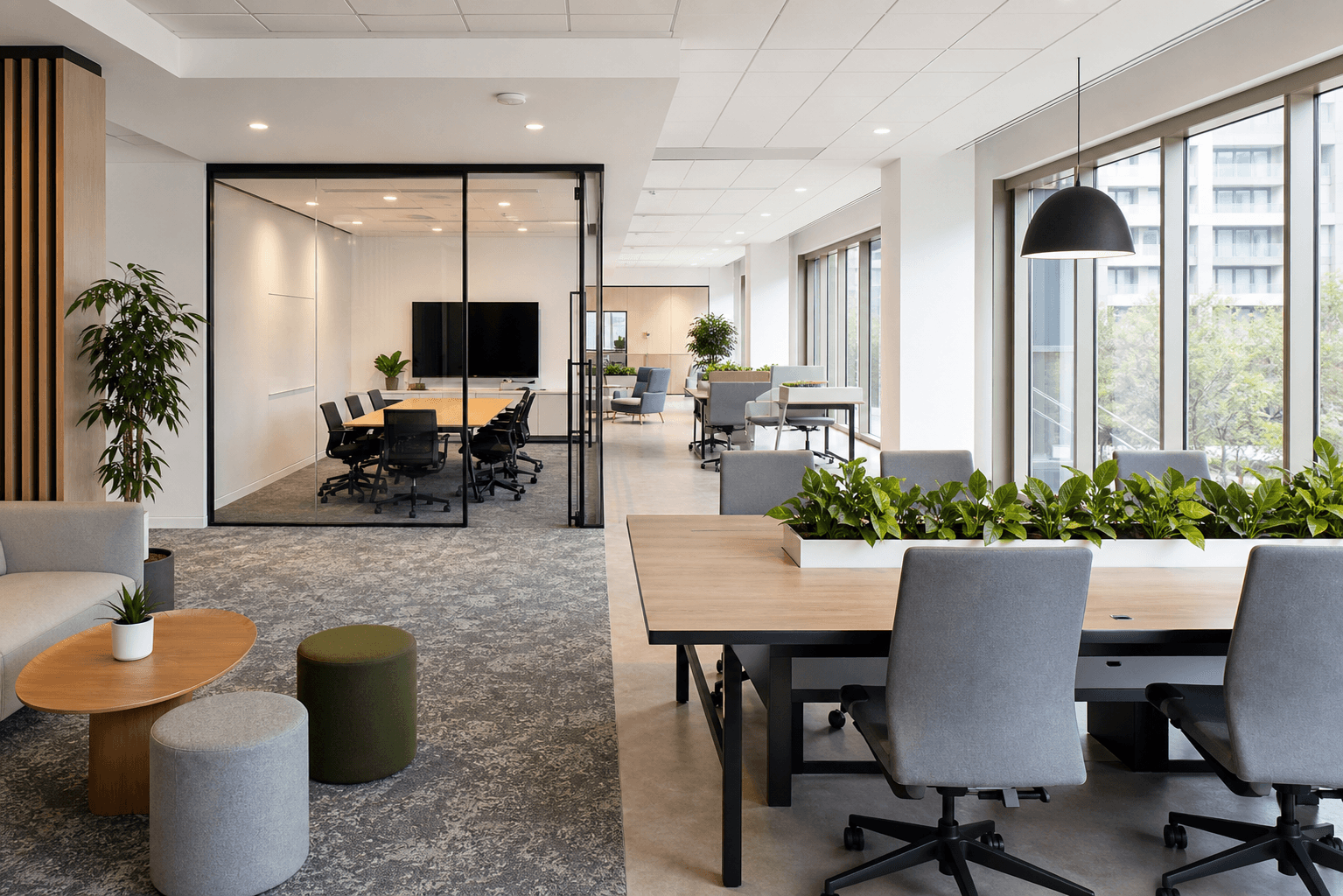
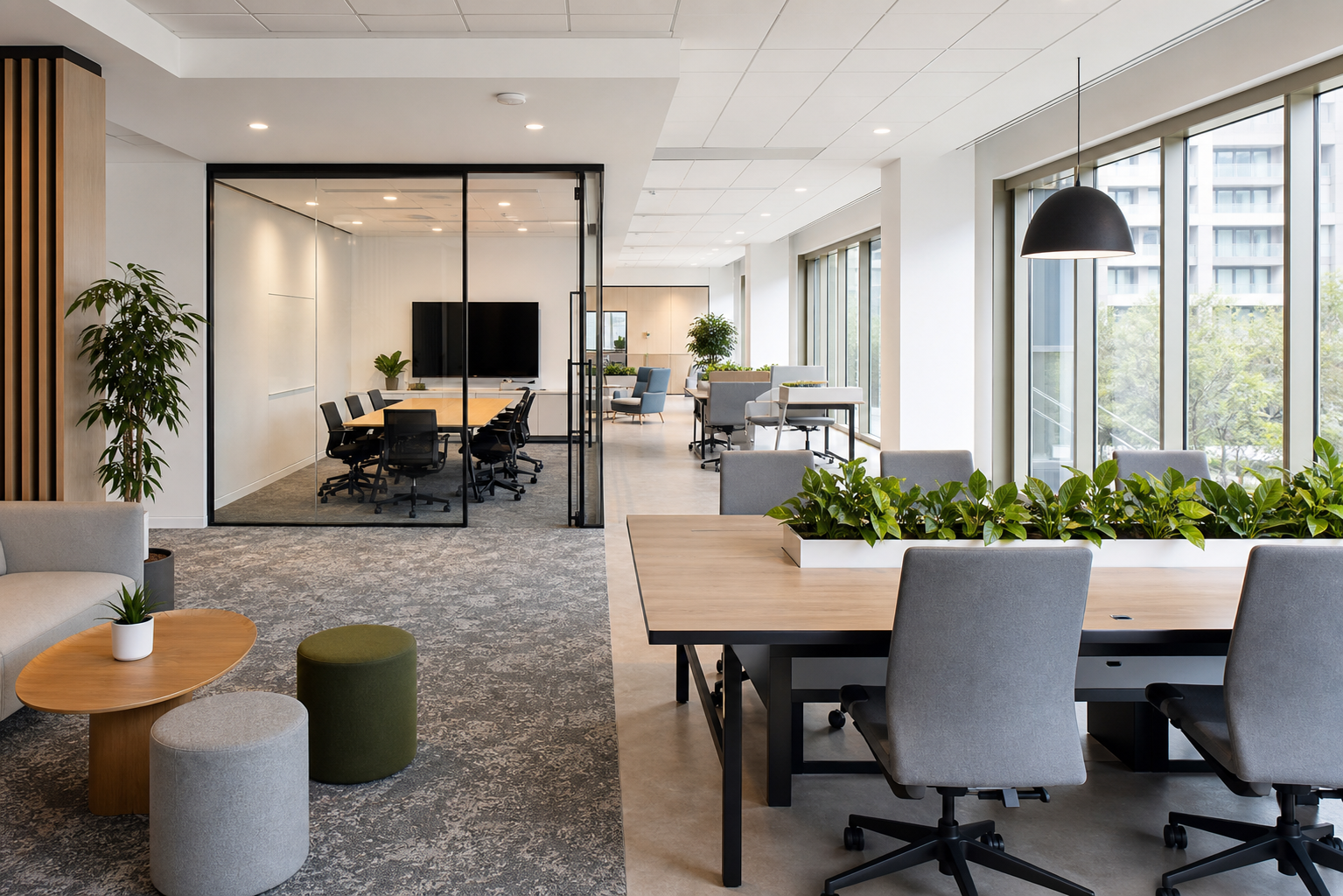
Hybrid work isn't just a temporary thing anymore; it's here to stay in the professional world. To make it work, businesses need to change their offices. They should become places where people want to come for teamwork, connection, and focused work, not just somewhere they have to be. Getting your office ready for this new way of working means more than just letting people work from home a few days a week. It calls for a real wellness strategy. This means rethinking your spaces, updating your rules, and investing in the right support systems.
Rethink Office Layouts
The old-style office, with its rows of assigned desks, just doesn't work well for a hybrid team. When only some of your staff are in on any given day, those assigned desks end up empty, wasting space. The answer is to use flexible, activity-based workspaces. Instead of giving everyone their own desk, create different zones for various tasks.
Here are some ideas to consider:
- Hot Desks: These are unassigned workstations that employees can book for a day, which helps use space better.
- Collaboration Hubs: These areas have big tables, whiteboards, and comfy seating, perfect for team brainstorming and project work.
- Quiet Zones: Think enclosed pods or special quiet areas where people can really focus without the noise of the main office.
- Social Spaces: These are comfortable lounge areas that encourage casual chats and help bring back a sense of community in the company.
Creating Shared Space Protocols
A flexible office layout only works if everyone understands the rules. Without clear guidelines, shared spaces can quickly become annoying and cause problems. The goal is to set up a system that's fair, clear, and easy for everyone to follow. Start by using a system for booking desks and rooms. Digital tools let employees reserve a workspace or meeting room ahead of time, so there's no guesswork, and everyone has a place to work when they arrive.
Besides booking, set clear rules for how to use shared areas. This includes things like noise levels in different zones, policies for storing personal items, and expectations for leaving a space tidy for the next person. Making sure these rules are clearly communicated during onboarding and with visible signs is key to making the system run smoothly for everyone.
The Role of Professional Cleaning
In an office with shared desks, keyboards, and meeting rooms, keeping things really clean isn't just nice to have; it's essential. It's not only about how things look; it's vital for employee health and peace of mind. With people coming and going unpredictably, high-touch surfaces like door handles, coffee machines, and conference room equipment need to be cleaned more often and more thoroughly than in a traditional office. Expecting employees to wipe down their own spaces isn't enough or reliable.
To keep these standards up, many businesses find it works better to hire professional services instead of trying to manage it themselves. Looking for reputable commercial cleaning companies near me can connect you with experts who know exactly what a hybrid office needs, from sanitizing shared equipment to doing deep cleans. An office that's consistently clean and hygienic shows you care about your employees' well-being and makes the workplace a more welcoming place to be.
Technology for Seamless Transitions
Technology is what connects a hybrid team. The aim is to make sure everyone has a similar experience, so remote employees feel just as involved and present as those in the office. This starts with upgrading your meeting rooms. Just a laptop with a built-in webcam isn't enough anymore. Invest in good-quality cameras, microphones, and big screens so everyone can see and hear clearly.
Beyond the equipment, focus on software that helps with both live and asynchronous collaboration. Shared digital whiteboards, strong project management platforms, and instant messaging channels are crucial tools. Following modern hybrid office design principles makes sure technology is thoughtfully built into the physical space, helping teams work together effectively, no matter where they are.
Measuring Workplace Well-being
How do you know if your new hybrid office setup is actually working for your team? You need to ask them. Getting feedback regularly is the only way to figure out what's working and what needs improvement. Don't wait for yearly reviews; use quick, frequent surveys to check how employees are feeling. Ask specific questions about whether they can focus, work with others, and connect with colleagues.
Create easy ways for people to give feedback, whether it's through a special Slack channel, anonymous suggestion boxes, or regular one-on-one chats. The most important thing is actually to do something with the feedback you get. When employees see that their ideas lead to real changes, it builds trust and makes them active partners in creating a better workplace.
Getting your office ready for hybrid work isn't a one-time task; it's an ongoing process of adjusting. By focusing on flexibility, cleanliness, technology, and listening to employee feedback, you can create a workplace that helps your team succeed now and in the future.